
Image prompt
An image prompt describes the subject, style, composition, lighting, materials, and negative constraints needed to generate an image. This page turns reference images into GPT Image 2 ready prompts.
Upload one image and reverse-engineer the subject, composition, lighting, material, style, and negative prompts into a GPT Image 2 ready image prompt. Built for products, portraits, game characters, interiors, apps, and ads.
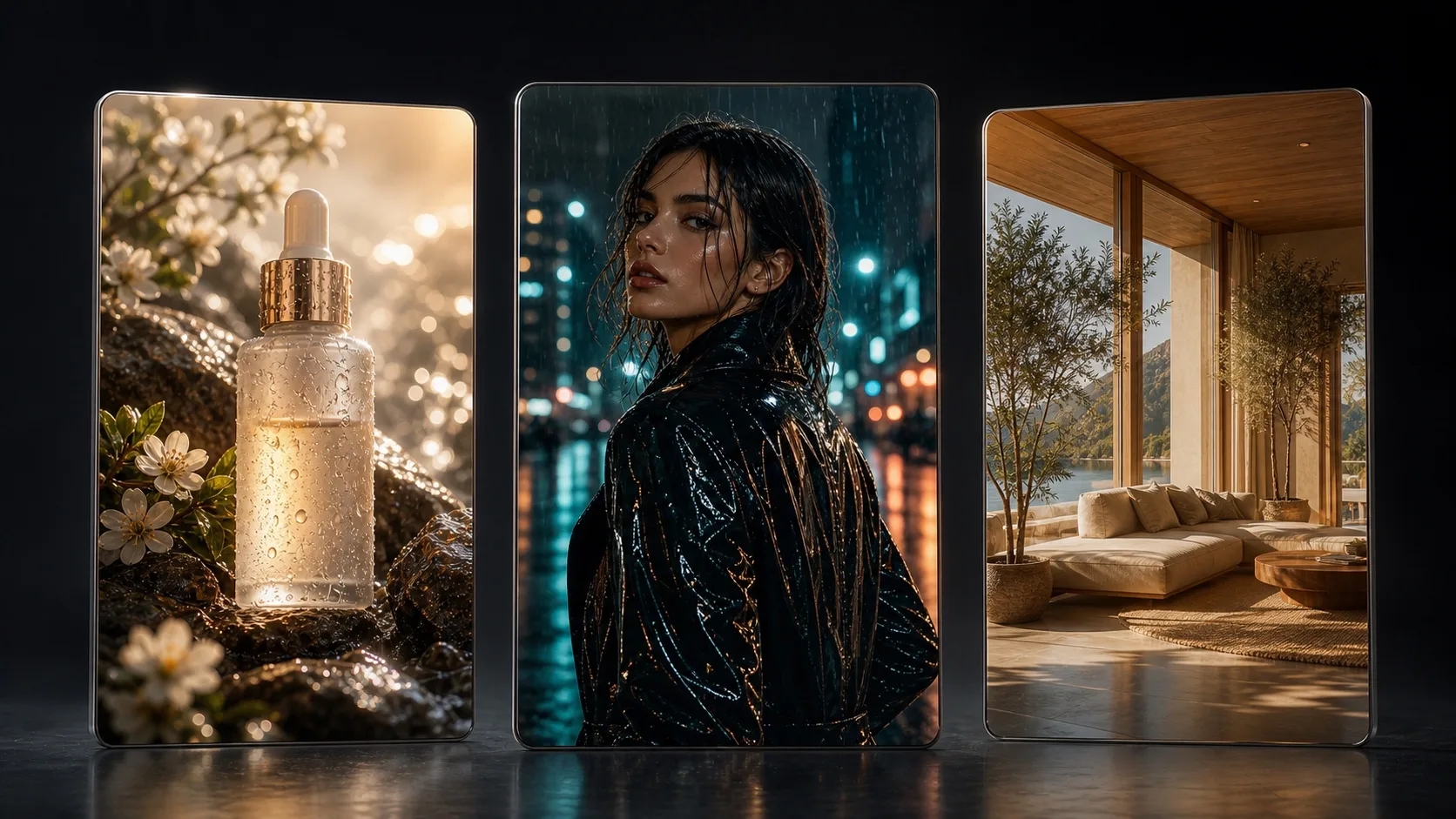
Subject, style, composition, lighting, materials, and negatives in one run. Paid users start from 10 credits.
From product shots and portraits to game characters, spaces, food, and app visuals, image to prompt extracts reusable visual language.
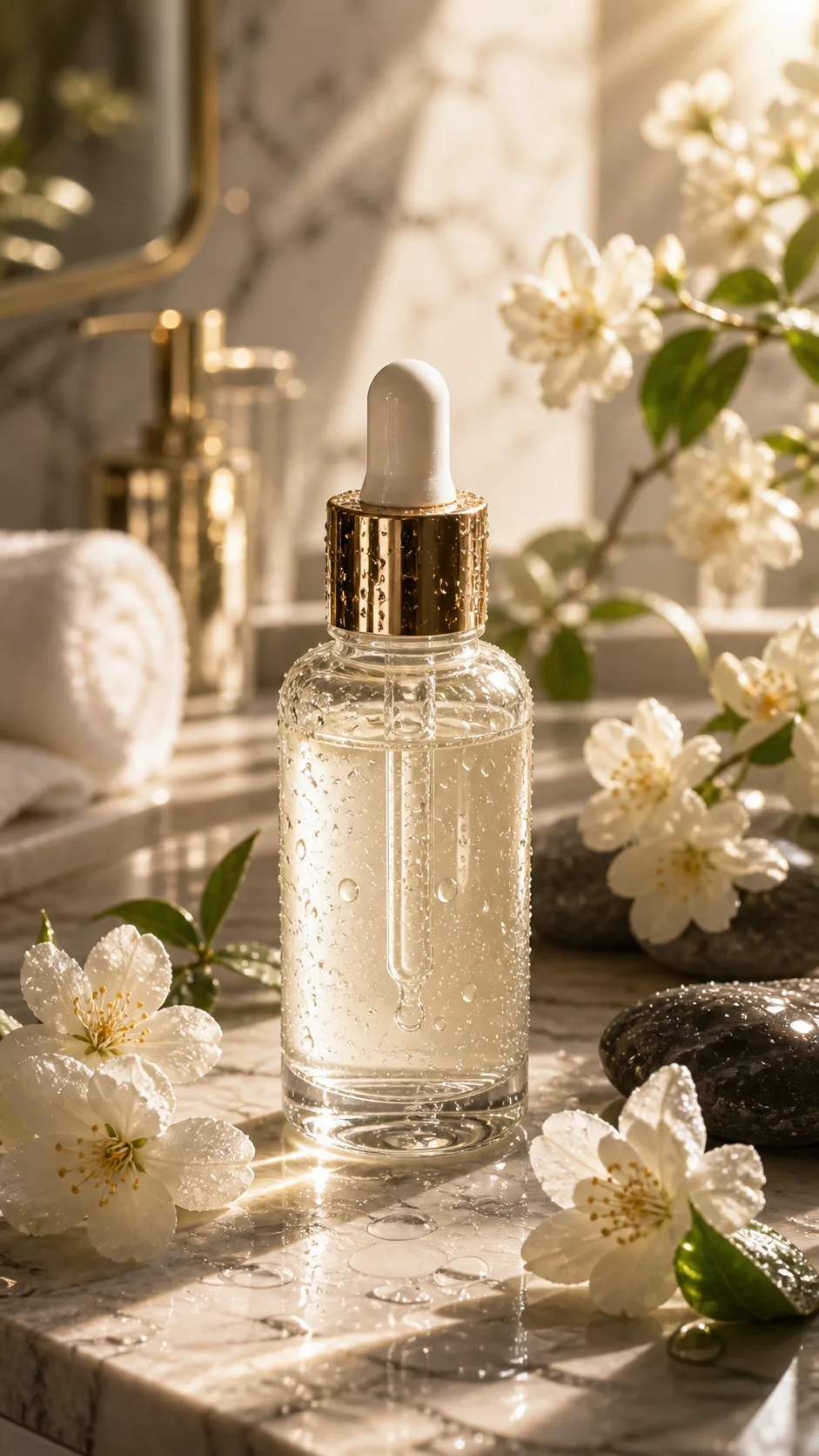
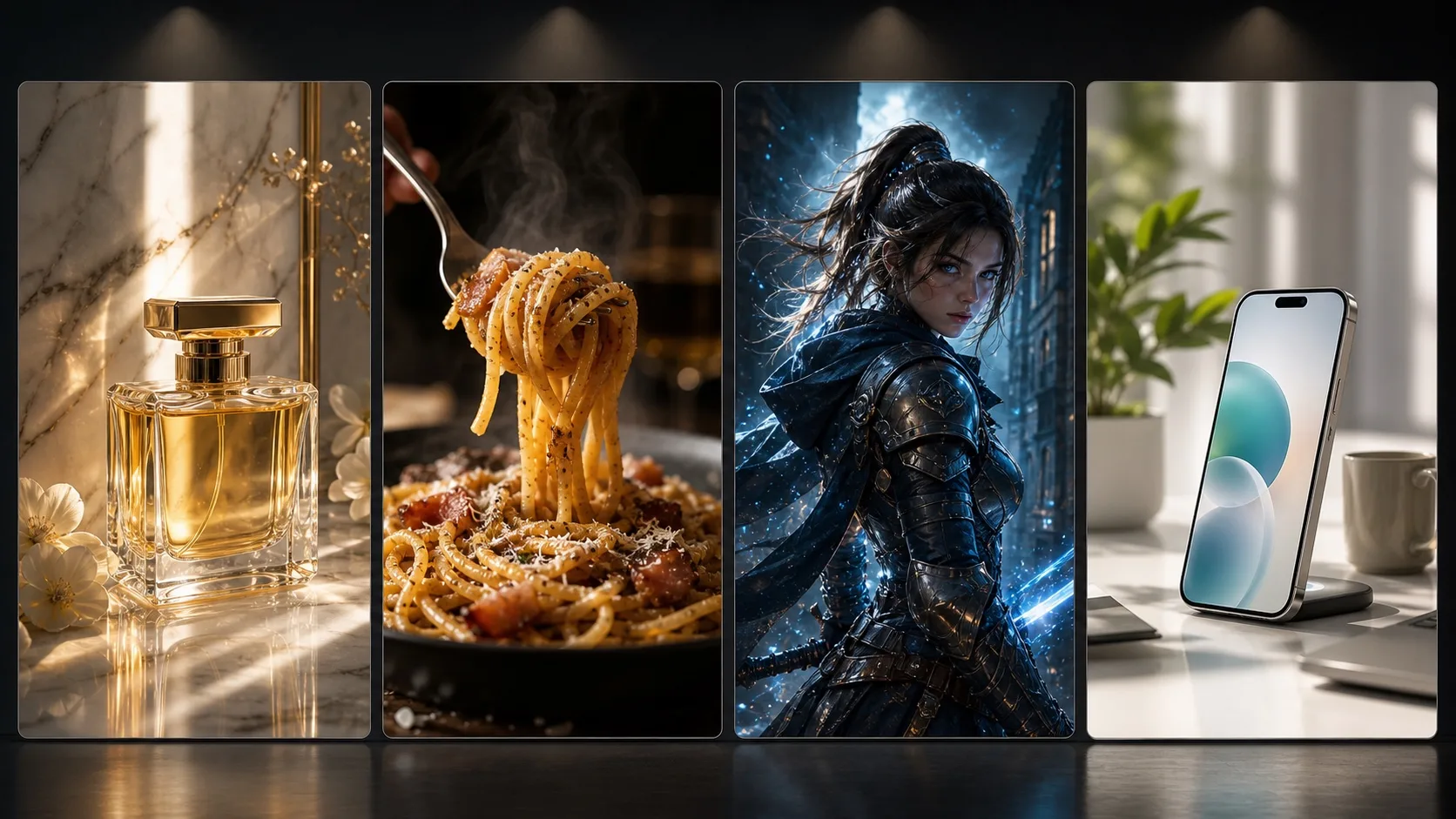
For users searching image to prompt, image prompt generator, reference image to prompt, reverse image prompt generator, and AI image prompt generator. Upload a reference image and get reusable prompts for new image creation.
An image prompt describes the subject, style, composition, lighting, materials, and negative constraints needed to generate an image. This page turns reference images into GPT Image 2 ready prompts.
Upload a reference image and reverse-engineer subject, framing, background relationship, lighting direction, color palette, and material details into a reusable prompt.
Turn a photo, product shot, portrait, UI screen, game character, or brand ad into a structured prompt you can adapt for new image generation.
Built for ecommerce product shots, portraits, game characters, app visuals, interiors, food images, and brand advertising prompts.
An image prompt is the text instruction used to generate an image, usually including subject, composition, style, lighting, materials, color, and negatives.
Product shots, portraits, game characters, interiors, food images, app visuals, and brand ads work well.
Yes. The output is structured for GPT Image 2 image generation workflows.
An image generator creates a new image from text. An image to prompt generator starts from a reference image, analyzes its subject, composition, lighting, materials, and style, then outputs reusable prompts.
Use this as a recreate workflow with permission. Learn composition, lighting, and style, then use your own product, person, character, or scene.