
Shot Planning
Ad Storyboard Assets
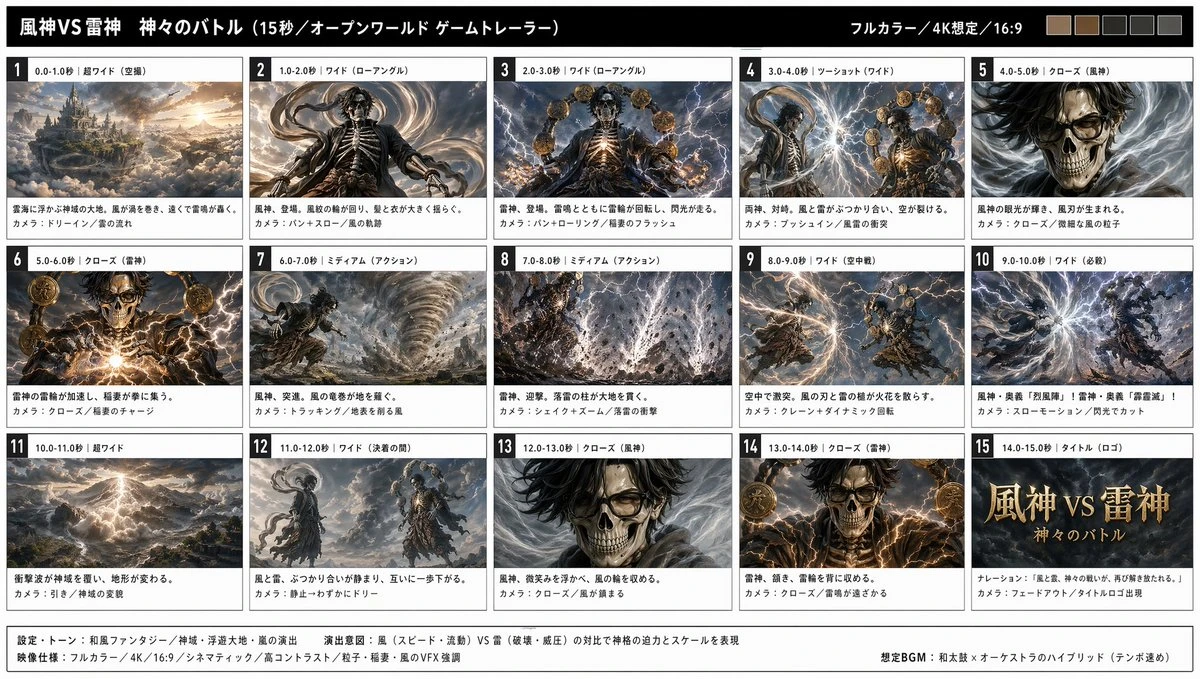
Map the campaign into six shots so action, framing, and pacing are easier to build on.
6-panel brand ad storyboard, 16:9, cinematic lighting, each panel labeled with shot intent.
Don't leave the idea sitting in a prompt. Type a line or upload a reference, then generate publish-ready headshots, product hero shots, ad storyboards, character sheets, and UI concepts with a direction worth showing.
Create the first image worth showing, then polish it
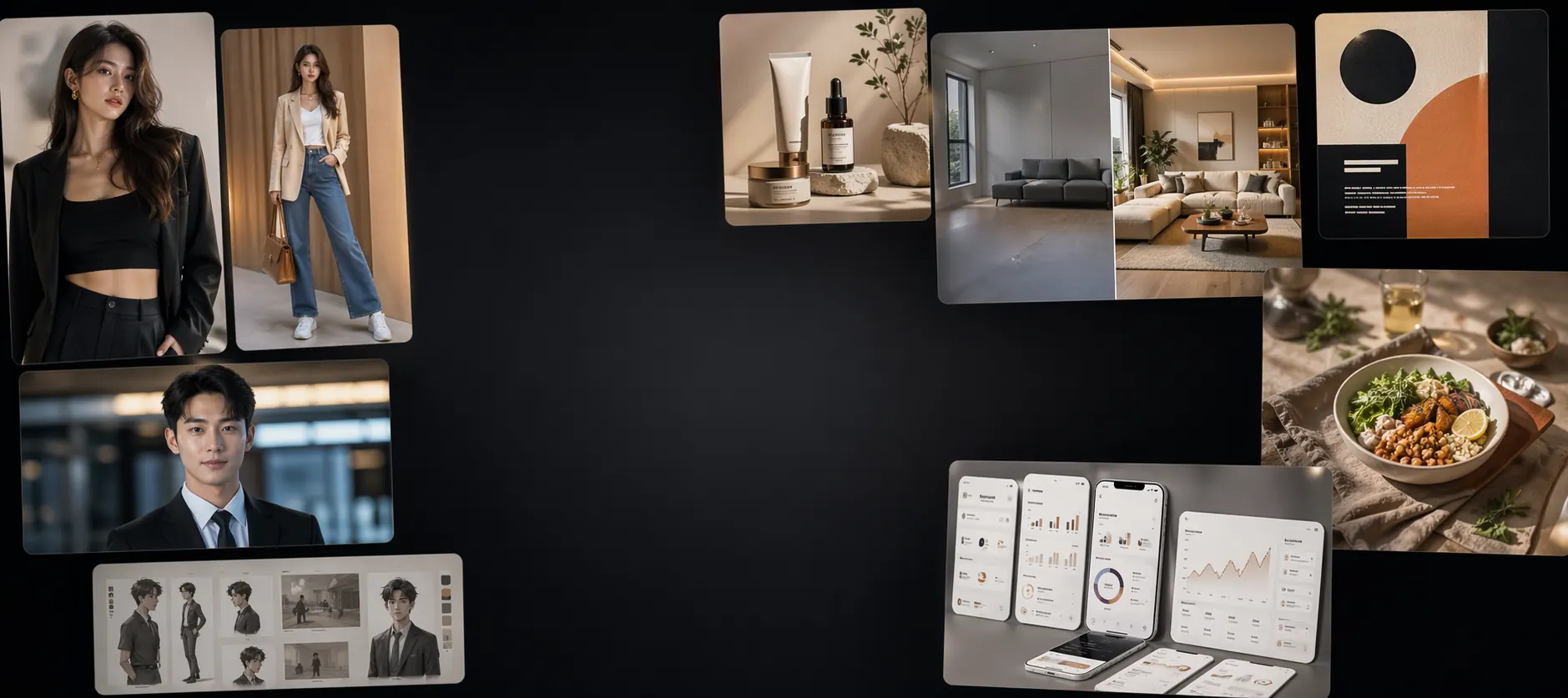
Best for final assets, reference-guided edits, and image inputs for video.
Template Ideas
Use ready-made prompt frameworks for storyboards, character sheets, and campaign visuals. Swap in your subject and style, spend fewer tries, and get to a stronger first image faster.
Map the campaign into six shots so action, framing, and pacing are easier to build on.
6-panel brand ad storyboard, 16:9, cinematic lighting, each panel labeled with shot intent.
Lock the look first, then change poses or scenes without losing the character.
Character three-view sheet, clean background, consistent clothing details for animation reference.
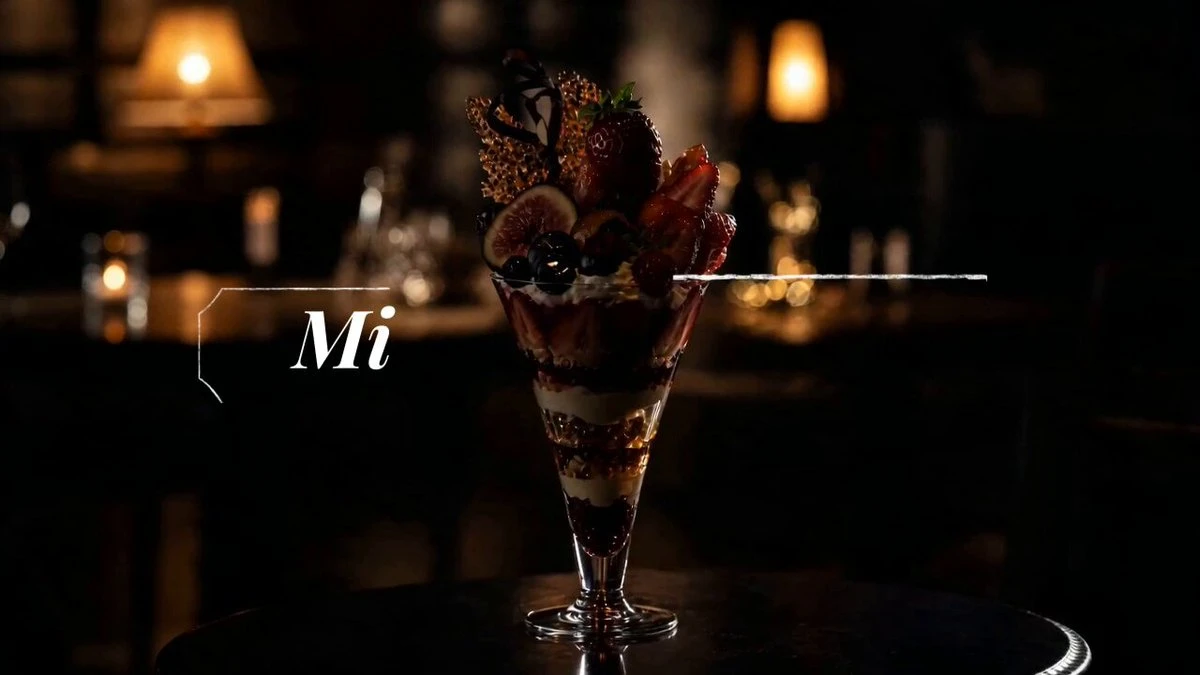
Create a strong hero visual first, then extend it into ads, covers, and short commercial shots.
Product centered, premium lighting, clean background, material detail and brand value emphasized.
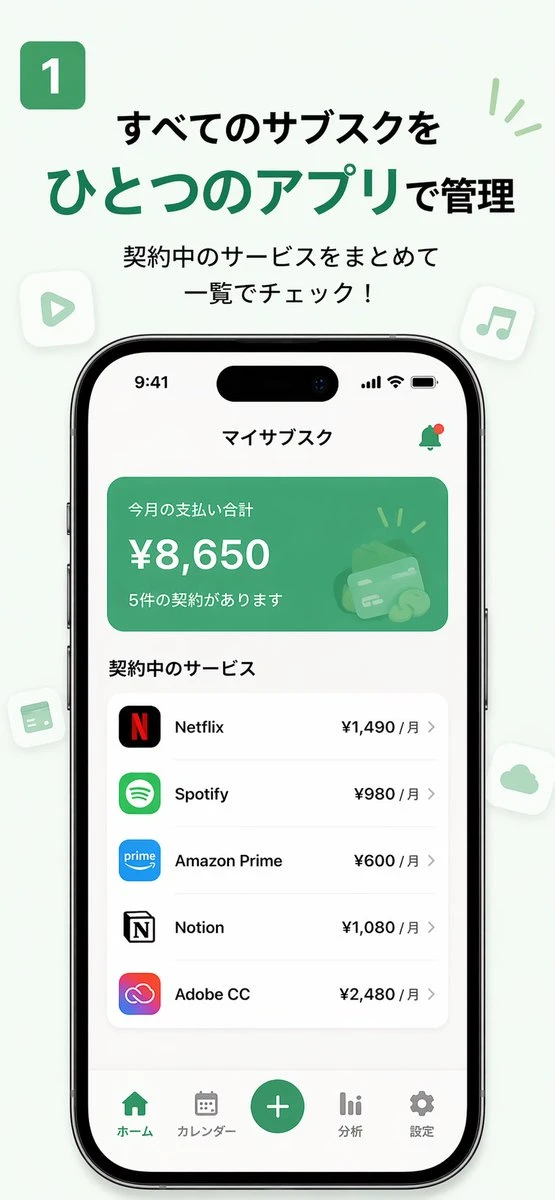
Generate a polished set of key screens for product demos, pitches, or motion drafts.
3 key app screens, consistent design system, ordered by a real user journey.
Skip the blank-canvas drag. Launch a presentable version for portraits, products, rooms, or reference edits, then scale it into posters, ads, or video assets.
Create LinkedIn portraits, creator profiles, speaker bios, and team photos with stable identity and a consistent camera feel.
Extend one solid product visual into white-background shots, material closeups, posters, and campaign assets without rebuilding from scratch.
For interiors, sticker styles, concept revisions, and redraws, keep the original visual relationship while changing style and details.
Video usually breaks when source assets are unclear. Start with a stable storyboard, character, product visual, or UI screen, then camera motion and pacing are easier to control.
Best for brand ads, short narrative clips, and animated openings. Key frames give the video stage a real pacing and composition anchor.
Best for anime characters, avatars, and game IP. Lock the look first, then poses and scenes can change without losing the character.
Best for MVP demos, launch teasers, and product walkthroughs. A grouped set of key screens makes the final video feel like a real user flow.
Best for ecommerce, product launches, and short paid ads. Once the hero visual works, the rest of the shots can share the same polish.
Brand films start with storyboards. Character motion starts with character sheets. Product ads start with a hero visual.
Source Asset Spec Sheet
Lock the subject, ratio, relationship, and lighting first. Once the source assets are clear, video generation can focus on motion.
Handle them in the image stage and the video pass usually needs less repair.
When subject, background, and action all fight for attention, the video stage has a harder time deciding what should move.
Multiple competing subjects make camera focus and motion direction less stable.
Mixed framing and crops create jumpy transitions and more deformation in the video stage.
Shifting hair, outfits, or props from shot to shot weakens identity consistency in later motion generation.
Complex reflections and cluttered environments make logos, edges, and materials easier to distort.
A product demo falls apart when the screenshot sequence does not tell a coherent task flow.
Fast answers about prompts, image-to-image, credits, Google Search, and usage rights.