
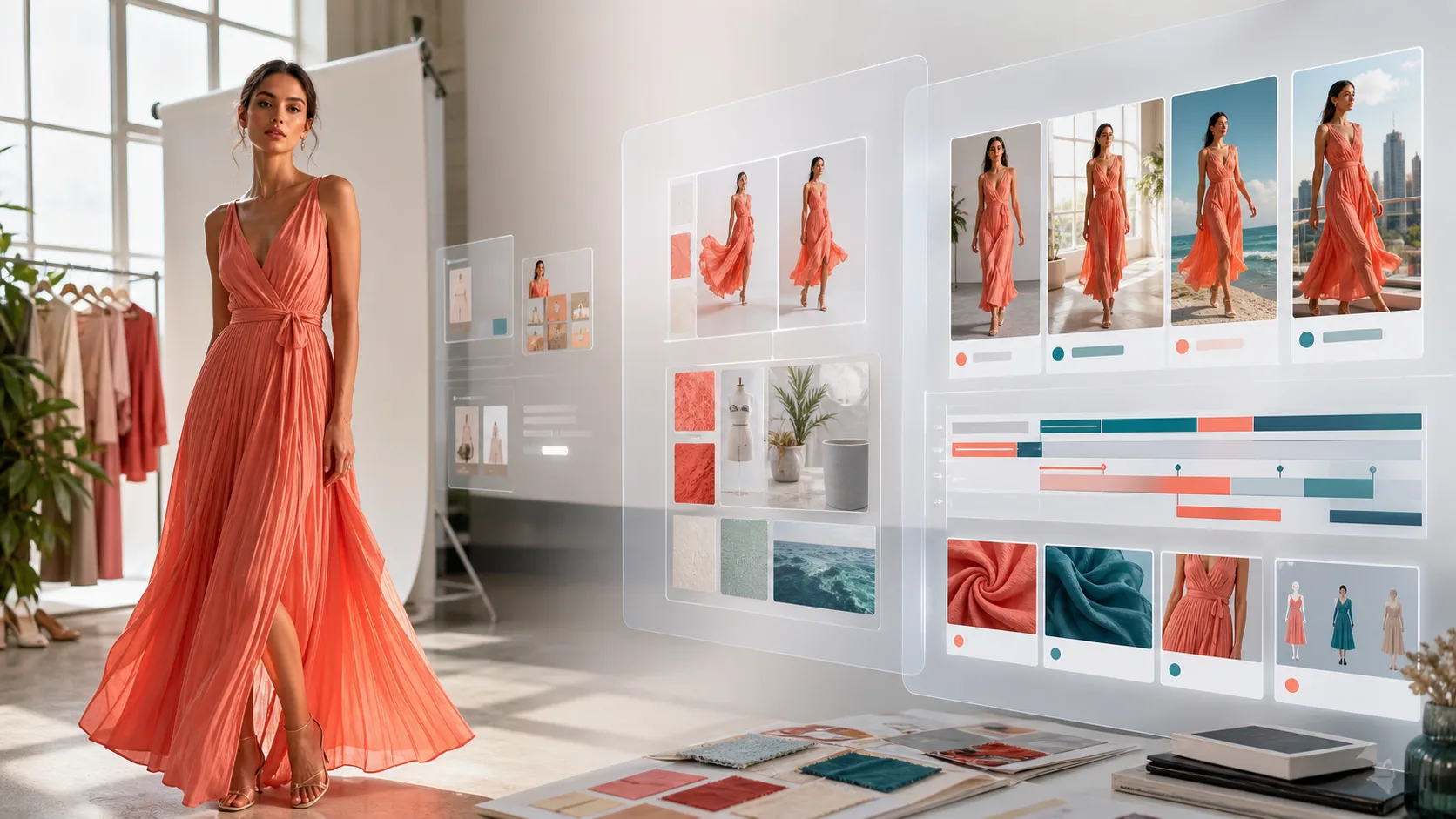
Fashion Product Image to Video Board Generator
Upload a fashion product photo, flat lay, or model shot to create three AI video ad boards with hooks, storyboards, localized social copy, and Seedance or Kling prompts.
Product and video brief
4sBest balance of quality, stability, and product readability for selling clips.
Used for voiceover, subtitles, titles, and hashtags.
About 3 shots
Fashion Ad Creative Board
Plan fashion image-to-video ads before rendering
It organizes product hooks, shot rhythm, social copy, and next-step assets so your team can shoot or continue with a video model.
After upload, your board appears here for copying, export, and video generation.
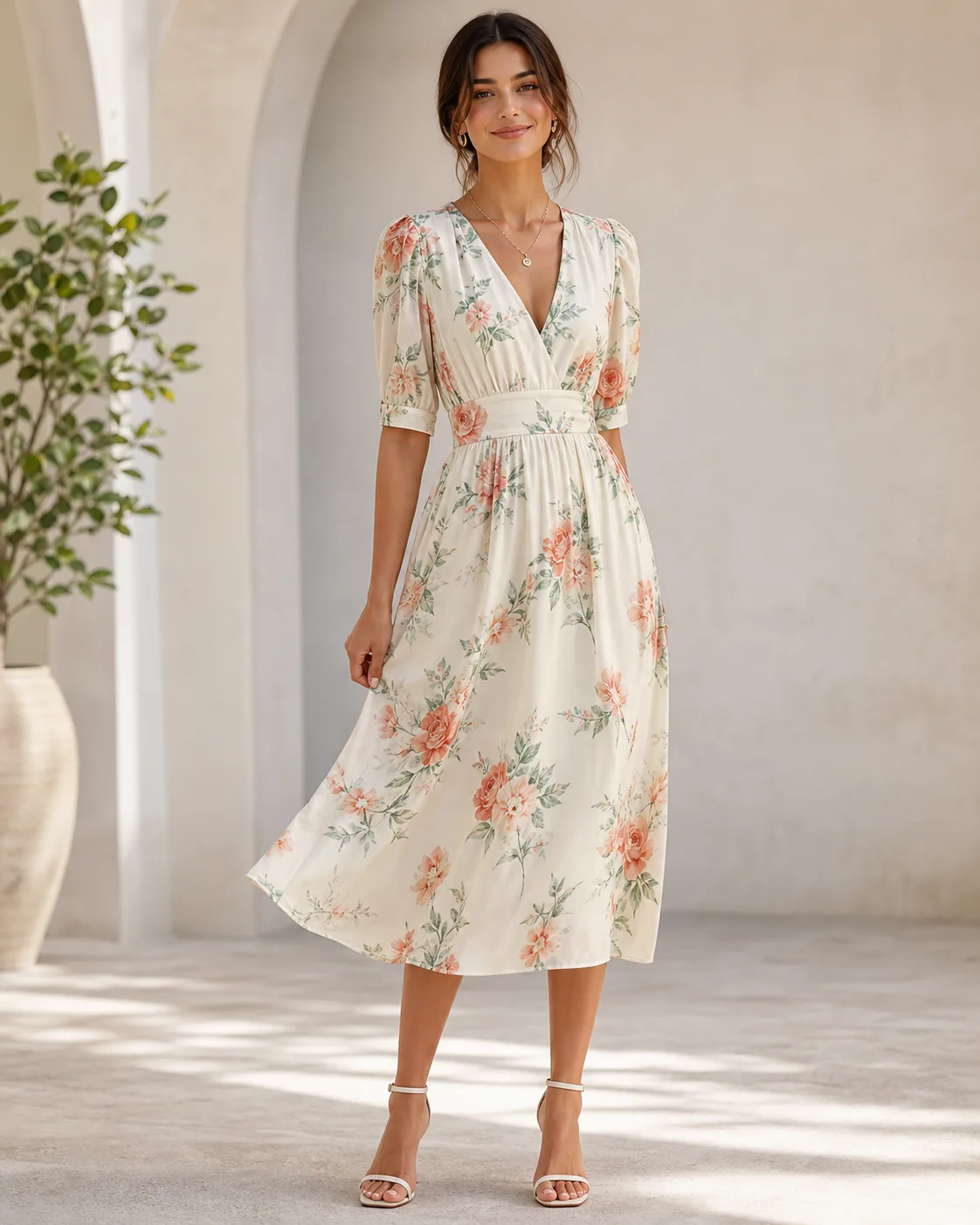
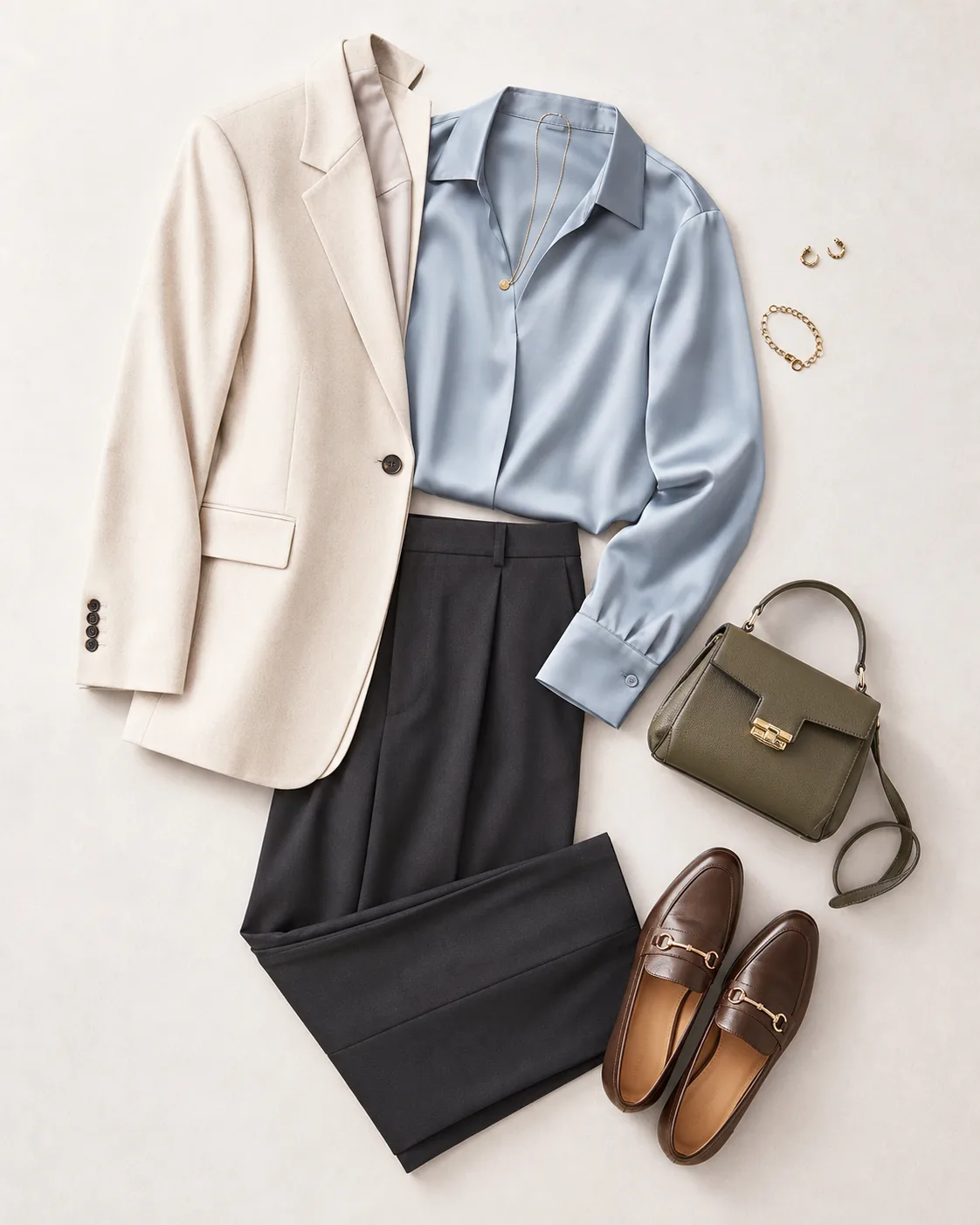
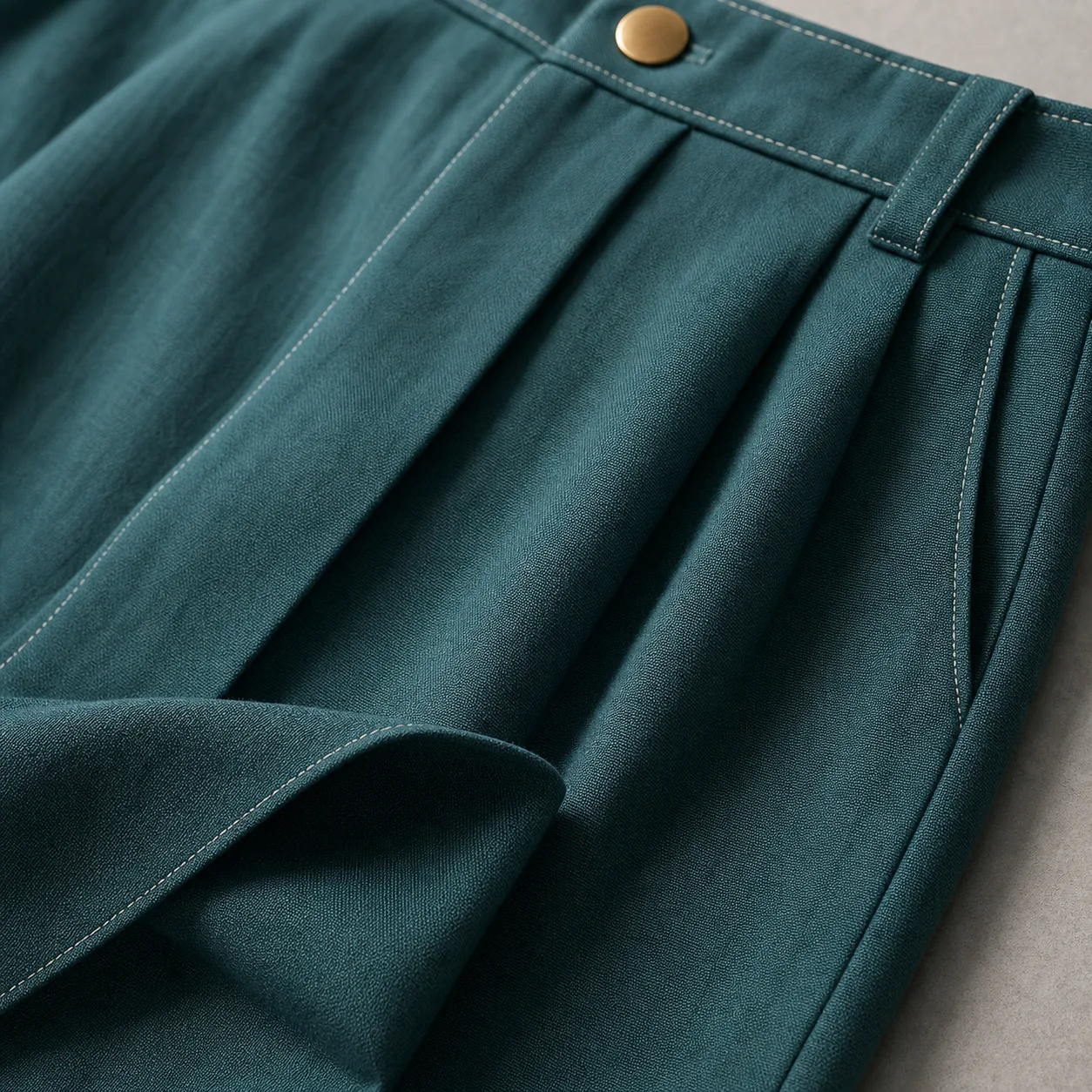
Fashion examples
Click to prefillRelated workflows
GPT Image 2 Generator
Create stronger first frames, product detail images, flat lays, and ad visuals before video.
AI Video Generator
Continue from the selected prompt into Seedance or Kling video generation.
Product Photo Prompts
Use ecommerce prompt templates for listings, lifestyle shots, and ad creative.
Image to Video Workflow
Learn how to prepare first frames, references, and storyboards before rendering video.
FAQ
Does this tool create an MP4 video directly?
No. It first creates a selling video board, storyboard script, and copy-ready prompts. After choosing a direction, you can continue in the AI video generator.
What fashion images work best?
Model-wearing photos, flat lays, fabric detail shots, and multi-color product images work well. Clearer source images produce stronger hooks, motion ideas, and asset-gap notes.
Why does the video board default to 4 seconds?
A 4-second plan is useful for testing the hook and core product motion first. Depending on the model, you can expand to 15 seconds and the storyboard adjusts automatically.
Does it scrape product URLs automatically?
No. Product URLs are used as supplemental context only. Add fabric, silhouette, review insights, audience, and styling details in the advanced fields for better results.
Can I use it for TikTok, Reels, or Shopify ads?
Yes. The tool localizes hooks, voiceover, subtitles, titles, descriptions, and hashtags for the selected platform and target market language.