ChatGPT Image 2 Generator Online

Create and edit AI images with GPT Image 2 workflows from text prompts or reference images. Use this third-party tool page for product photos, UI mockups, posters, headshots, readable text concepts, and image-to-image revisions.

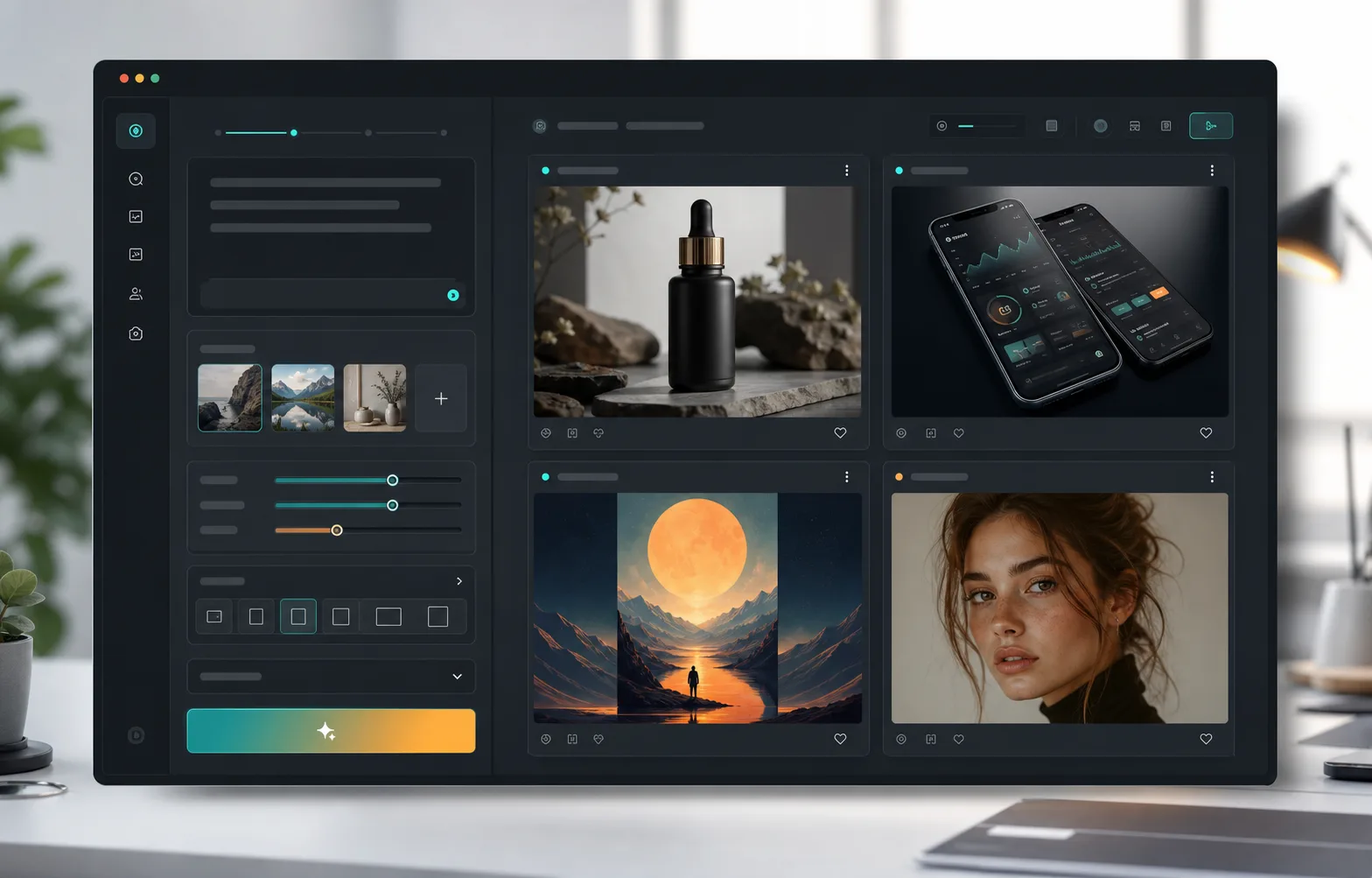
AI image generator workspace for ChatGPT Image 2 and GPT Image 2 workflows

ChatGPT Image 2 generator

Start generatingGPT Image 2

Best for final assets, reference-guided edits, and image inputs for video.

A GPT Image 2 Workflow Built for ChatGPT Image Search Intent

People search for ChatGPT Image 2 when they want a clear online image generator, image editing workflow, and prompt starting point. This page connects that intent to the GPT Image 2 generator, prompt gallery, and practical examples.

Text-to-image prompts

Turn a written image brief into product visuals, poster concepts, social graphics, UI screens, and storyboards.

Reference-image editing

Upload references when product shape, face continuity, layout, style, or brand direction should stay consistent.

Prompt-first workflow

Start with proven prompt structures, then change subject, style, camera, aspect ratio, and output goal.

Third-party tool page

GPTImg2.art is not OpenAI or ChatGPT; it is an independent GPT Image 2 workflow and prompt site.

What You Can Create with ChatGPT Image 2 Workflows

Use GPT Image 2 when the result needs to be useful beyond a demo: product visuals, marketing assets, readable layouts, reference edits, and creative drafts that can move into production.

Prompt examples

Copy a Prompt Structure, Then Swap the Subject

Strong ChatGPT Image 2 style results usually start from a clear image brief: subject, scene, composition, lighting, style, text rules, and final use case.

GPT Image 2 prompt workspace with product photo results
Product photo

Premium product hero shot

For ecommerce, launch pages, catalog images, and ad testing.

Create a premium product hero shot of a matte black skincare serum bottle on warm stone, soft morning light, shallow depth of field, realistic reflections, clean negative space, no logo, no readable text.
Open generator
AI generated UI mockup example
UI mockup

Mobile app dashboard concept

For founders, SaaS teams, and designers exploring interface directions.

Design a clean mobile finance dashboard concept, dark interface, four main cards, chart area, premium fintech style, realistic app screenshot, abstract UI text only, no real brand names.

Browse UI prompts
AI generated poster concept example
Poster

Readable event poster direction

For social graphics, labels, title cards, and campaign roughs.

Create a bold poster concept for a creative workshop, strong hierarchy, large centered title area, warm spotlight lighting, editorial layout, leave placeholder text blocks, no misspelled words.

Browse poster prompts
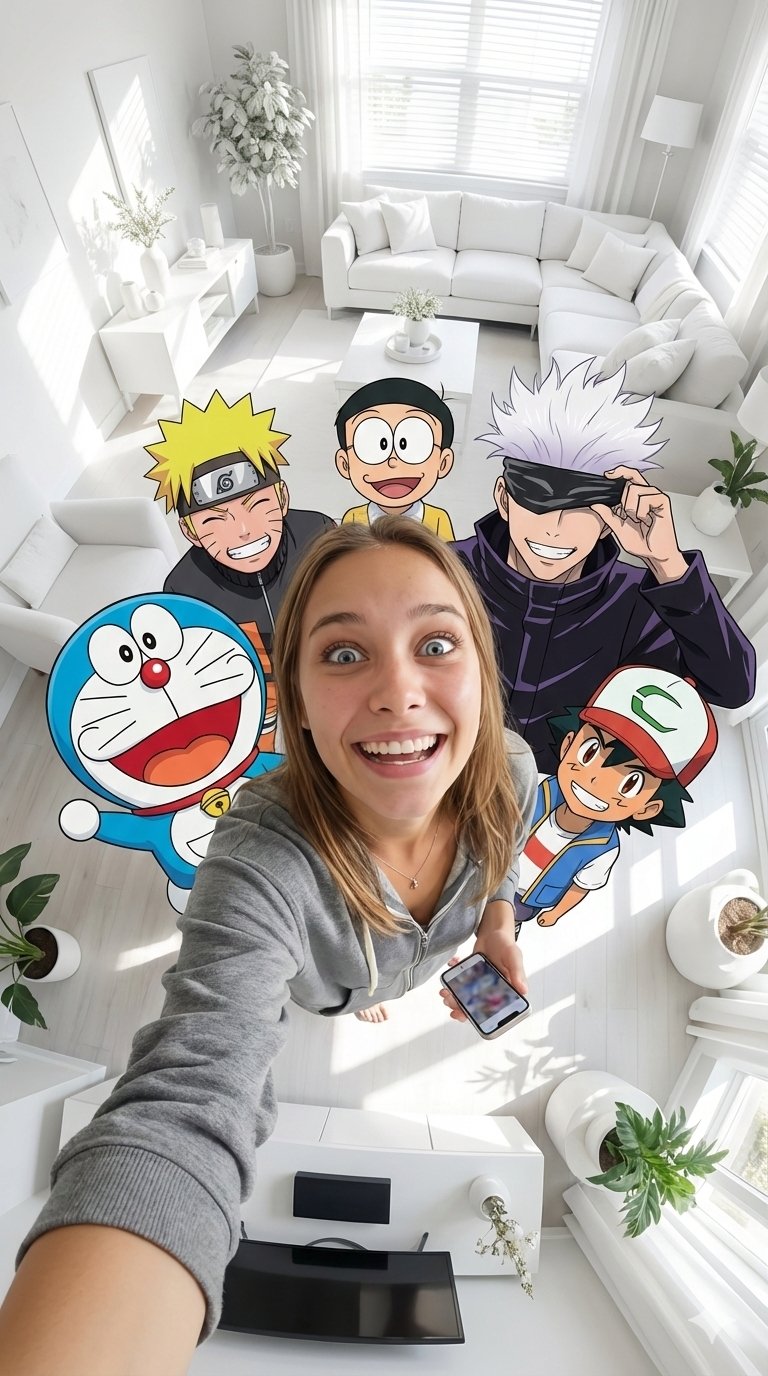
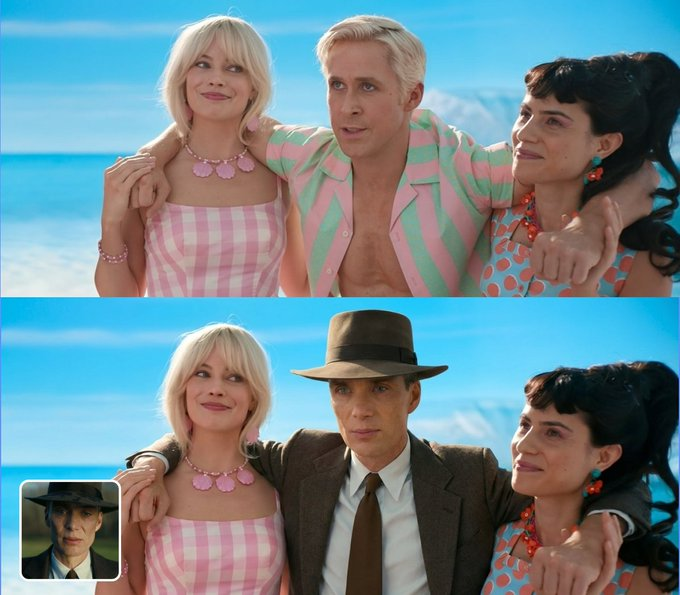
AI generated reference edit example
Reference edit

Reference-based scene variation

For product continuity, portrait direction, style matching, and scene edits.

Use the uploaded reference image as the subject reference. Keep the main shape and proportions, change only the background into a bright studio scene, natural shadows, realistic material detail.

Open image editor

ChatGPT Image 2 vs GPT Image 2: How to Read the Names

Search results use both phrases. This page is careful about the distinction so users and crawlers understand the relationship without confusing this site for an official OpenAI property.

ChatGPT Image 2

A common search phrase people use when looking for newer ChatGPT-style image generation and editing workflows.

GPT Image 2

The naming used on this site for the generator workflow, prompt library, and practical AI image creation pages.

GPTImg2.art

A third-party generator and prompt workflow site. It is independent and does not claim to be OpenAI or ChatGPT.

Workflow

How to Use ChatGPT Image 2 Workflows

Start with a clear image brief, generate a focused first result, then refine one variable at a time.

1

Write the image brief

Define the subject, scene, composition, style, camera angle, lighting, aspect ratio, text requirements, and final use case.

2

Add references when needed

Upload images for product shape, face continuity, UI layout, brand style, color direction, or scene structure.

3

Generate a focused result

Ask for one clear visual direction first. Validate subject, layout, text areas, and major style before adding complexity.

4

Refine and reuse

Change one variable at a time, save the best prompt structure, and reuse it for variants, campaigns, or image-to-video assets.

ChatGPT Image 2 FAQ

Quick answers for searchers comparing ChatGPT Image 2, GPT Image 2, online image generators, prompt examples, and reference-image editing.