
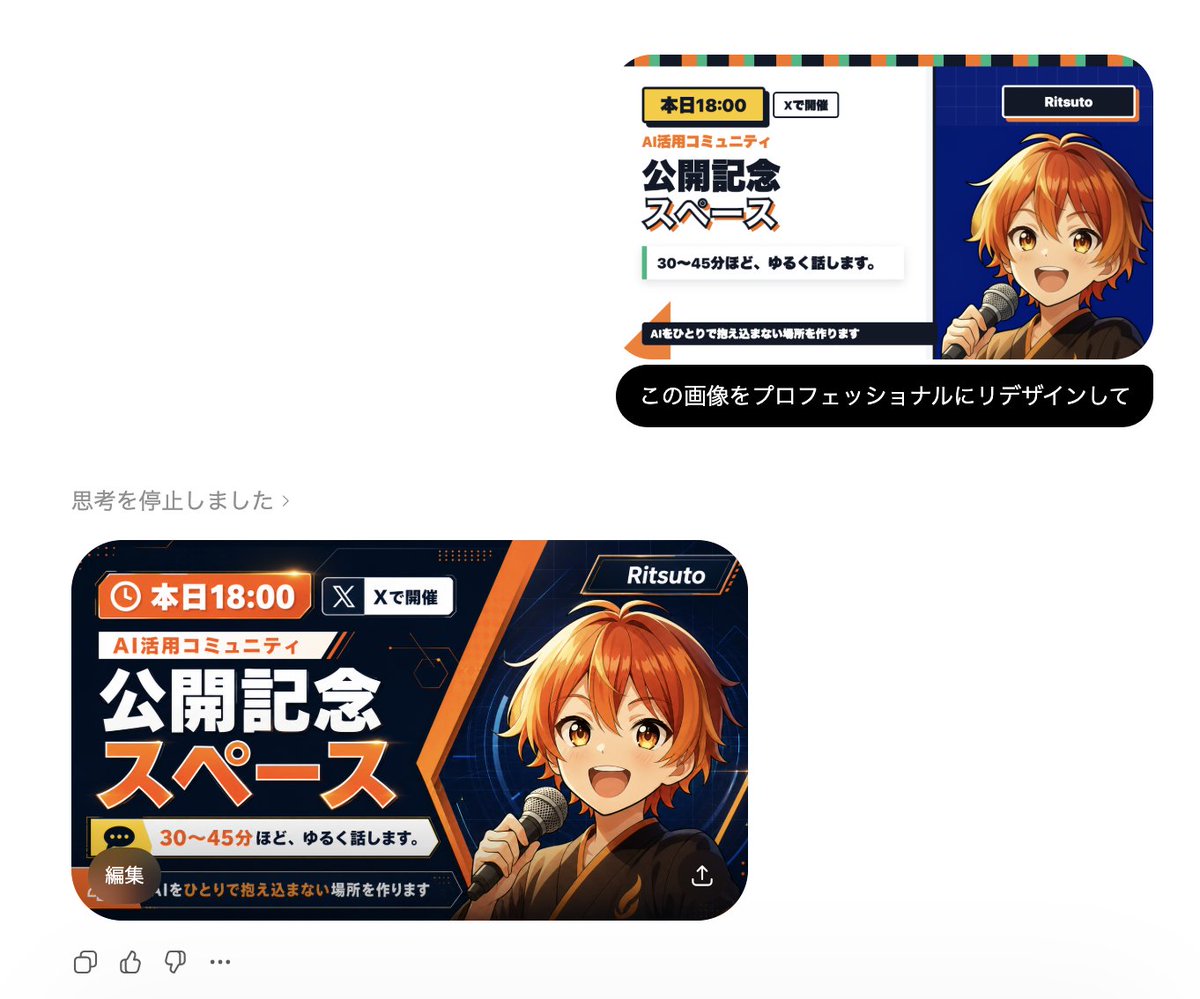
Professional Image Redesign
A simple and effective command for professionally redesigning an existing image using GPT Image 2.
This creative prompt is a strong starting point when you need a composed GPT Image 2 result with a clear subject, visual structure, and reusable style direction.
Aspect ratio
1:1 or 4:5
Quality pass
Standard first, then high detail
Workflow
Start text-to-image, then rerun with one focused edit at a time.
Full GPT Image 2 prompt
English prompt
{argument name="instruction" default="Redesign this image professionally"}Original prompt
{argument name="指示" default="この画像をプロフェッショナルにリデザインして"}Related GPT Image 2 prompts
Candid iPhone Everyday Life Snapshot
A realistic prompt for generating an ordinary, imperfect candid shot as if taken on an iPhone, featuring natural motion blur and uneven lighting.
AI Personality iPhone Selfie Snapshot
A creative prompt designed to have the AI personify itself and generate a realistic, candid selfie as if taken haphazardly with an iPhone.
Japanese Journal Style Cat Diary
A prompt that transforms a pet photo into a cute, hand-drawn Japanese journal-style illustration with stickers, annotations, and a healing aesthetic.
Dynamic Korean Street Photography
A dynamic street photography prompt featuring a woman in a low-angle pose with iPhone aesthetics.
Pale Watercolor Line Art Transformation
Transforms a reference photo into a delicate white-line illustration with faint watercolor tones while preserving the original pose and composition.
Childlike Crayon Drawing Re-creation
A prompt to transform an existing image into a simplified crayon drawing, as if created by a young child with playful elements.