
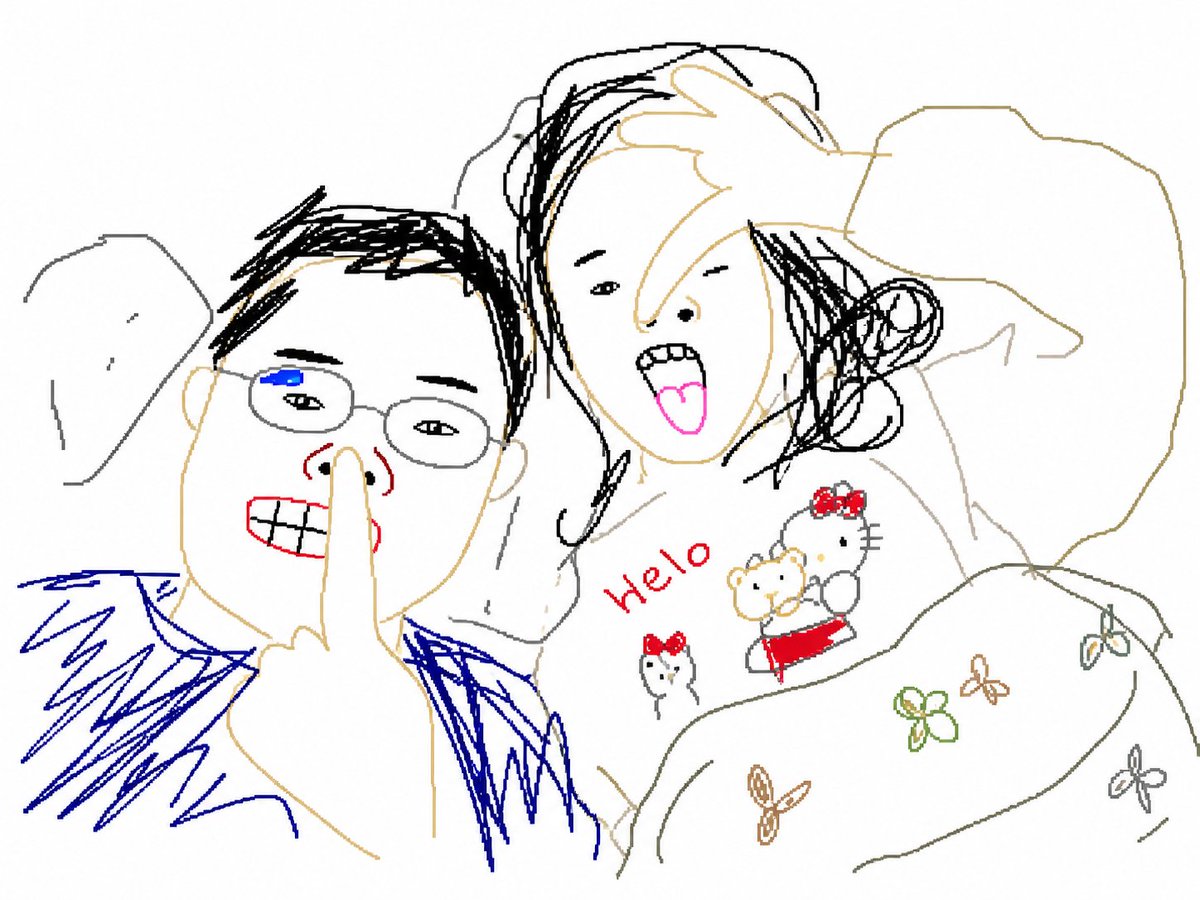
Bad MS Paint Redraw
Intentionally generates a 'bad' redraw of an image using a clumsy, Microsoft Paint-style aesthetic with pixelated textures and mouse-drawn vibes.
适合快速搭建产品图、包装展示和品牌海报:主体、材质、背景与商业修图方向已经有框架,换掉变量就能开跑。
画幅建议
1:1 或 4:5
细节策略
先快速出图,再细节精修
生成流程
先用文字生成定主画面,再一次只改一个重点细节。
完整 GPT Image 2 提示词
English prompt
Please redraw this attached image in {argument name="style" default="the most clumsy, scrawled, and absolutely eyesore way possible"}. Use a pure white background and make it look like it was drawn in Microsoft Paint using a mouse. It should be somewhat similar to the original but not quite—appearing linked yet with a puzzling sense of awkwardness. The image should have a low-quality, pixel-by-pixel grainy texture to fully reflect how ridiculously ugly it is. Whatever, just draw it however you want.Original prompt
请把这张附图用{argument name="画风" default="最笨拙、最潦草、简直惨不忍睹的方式"}重新画一遍。用纯白背景,让它看起来像是在 Microsoft Paint 里用鼠标硬生生画出来的。整体要和原图有点像,但又不完全像 —— 看似对应却又透着一种让人摸不着头脑的别扭感。画面要带有那种低画质、逐像素的粗糙感,彻底体现出它到底有多离谱地难看。算了,随便吧,你想怎么画就怎么画。相关 GPT Image 2 提示词
VR Headset Exploded View Poster
Generates a high-tech exploded view diagram of a VR headset with detailed component callouts and promotional text.
E-commerce Live Stream UI Mockup
Generates a realistic social media live stream interface overlaying a portrait, featuring customizable chat messages, gift popups, and a product purchase card.
Pancake Angel Cafe Cover
Generates a dreamy watercolor anime cover of a winged cafe angel serving honey pancakes in a sunlit morning cafe.
Summer Grape Girl 3x3 Grid Portrait
A comprehensive prompt for creating a 3x3 photo grid of a summer-themed 'Grape Girl' with specific instructions for consistency and style.
Mystical Japanese AI Face Reading Report
Generates an ornate Japanese fortune-telling appraisal sheet with a celestial portrait, moonlit gold layout, and multiple readable report sections.
Miniature City Tiny Worlds
A macro photography prompt creating a realistic miniature city built within human hair, featuring high detail and natural skin textures.